
LYRICSNOW WIKI
Apple TV Spotify Sign-in Guide
Generate dedicated tvOS credentials on iPhone / iPad, then sign in to Spotify on Apple TV with iCloud or manual entry.
This page retains the dedicated Spotify sign-in flow for Apple TV. Complete Client ID authorization in LyricsNow on an iPhone / iPad, then generate dedicated tvOS credentials. Spotify App authorization on iPhone does not replace this flow.
In the current app, select Spotify under Settings → Playback & Accounts → Playback Source on Apple TV, then open Sign In. Apple Music, Shazam, and Sonos do not use these credentials. For their setup, see the Apple TV Four Music Modes Guide.
Screenshots show earlier interfaces. Follow the current app labels and positions; sign-in credential values are hidden.
Before you start
- Complete Client ID setup on the iPhone / iPad that will generate the credentials: Spotify Sign-in & Client ID Setup.
- For automatic iCloud filling, use the same iCloud account on both devices. Manual entry is also available.
1. Generate dedicated credentials on the source device
On an iPhone / iPad signed in through Client ID authorization, open Settings → tvOS → tvOS Login in LyricsNow. The current native Mac app does not have this generator. Do not substitute the Mac app’s everyday refresh token for dedicated tvOS credentials.
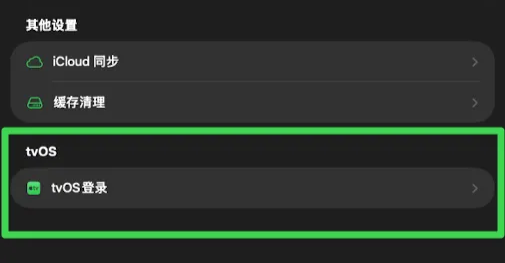
Select tvOS Login and complete the Spotify authorization page.
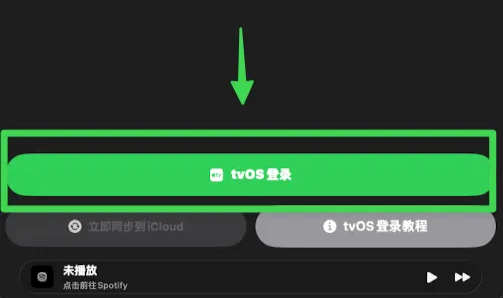
After authorization, choose either iCloud sync or manual transfer for the dedicated tvOS sign-in information.
Method 1: Cloud Synchronization
With the same iCloud account on both devices, select Sync Now to request synchronization of the newly generated credentials.
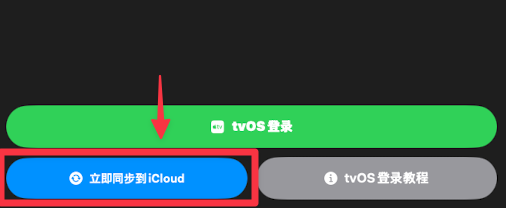
Method 2: Manual copy and paste
Without iCloud sync, copy the Client ID and newly generated tvOS Refresh Token, then enter them on Apple TV. The system phone keyboard can help with entry when available.
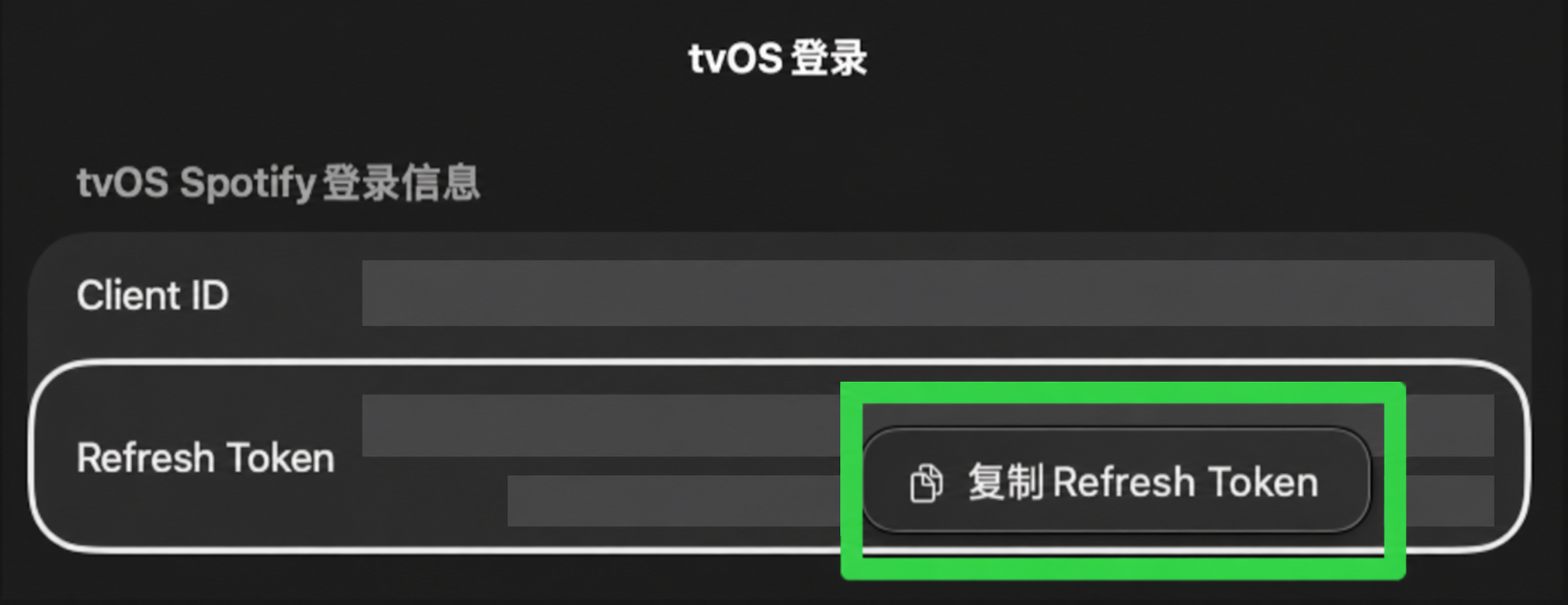
2. Finish sign-in on Apple TV
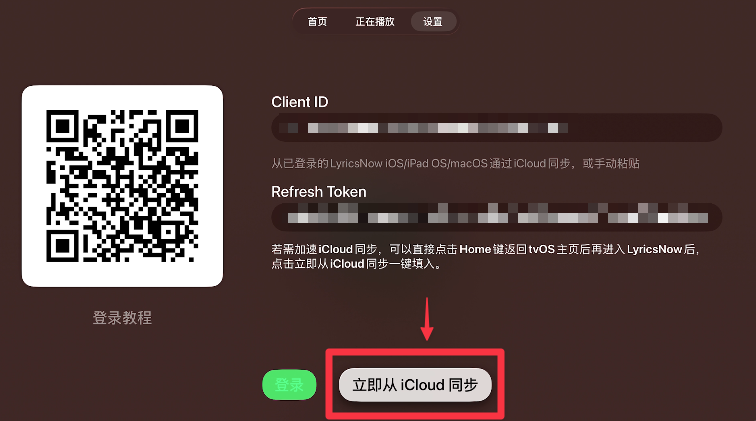
With Spotify selected as the Apple TV playback source, open Settings → Playback & Accounts → Sign In in LyricsNow. Fill the sign-in information using your chosen method, then select Login.
Method 1: Cloud Sync
Choose Sync from iCloud Now. If the fields remain empty, wait, return to the Apple TV Home screen, reopen LyricsNow, and try again. Sync is not always immediate.
Method 2: Manual copy and paste
Enter the Client ID and newly generated tvOS Refresh Token manually, then select Login. Do not repeatedly retry expired credentials.

3. Troubleshooting
For missing sync, expired credentials, or authorization-method differences, see Spotify tvOS sign-in FAQs and account and API restrictions. Apple Music, Shazam, and Sonos setup is covered separately in the Apple TV Four Music Modes Guide.